
Hidden Objects: Lost Island - Help Lara Search the Ruins
Editorial age guidance: 9+A plane-crash setup and survival-themed island search.
Hidden Objects: Lost Island begins beside Lara's crashed aircraft in a dense tropical jungle. Find the object icons shown across the bottom, then continue through a packed workshop, waterfall basin, and other island locations. Clearing each list advances the search for useful belongings and a route away from the island.
Search the Tropical Island and Unlock an Escape Route
Each scene places its current targets along the bottom while the heart and magnifier counters remain at the upper right. Scan the full image before clicking or tapping, use zoom when the browser version allows a closer view, and save limited help for the last hard-to-place icon. The crash site's bright luggage is easy to spot; the workshop is harder because metal cups, tools, jars, and machinery share similar shapes and colors.
Multiple Tropical Island Locations
Begin among the wreckage at Lara's Crash Site, then continue through the Workshop, Waterfall, and later island locations. The scenery shifts from large outdoor objects to tightly packed shelves and small foreground targets.
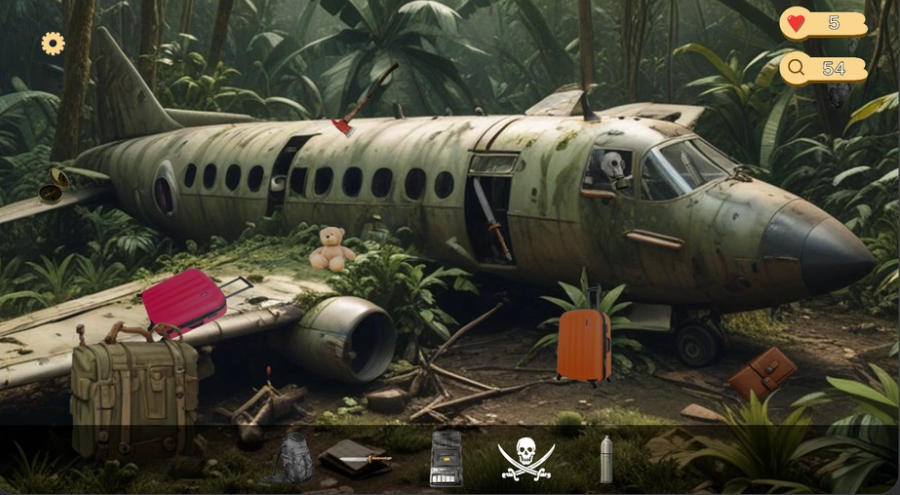
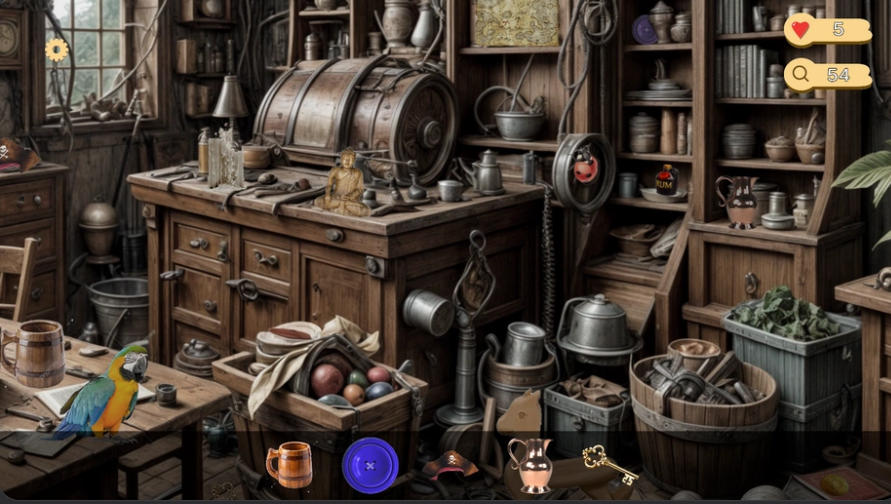
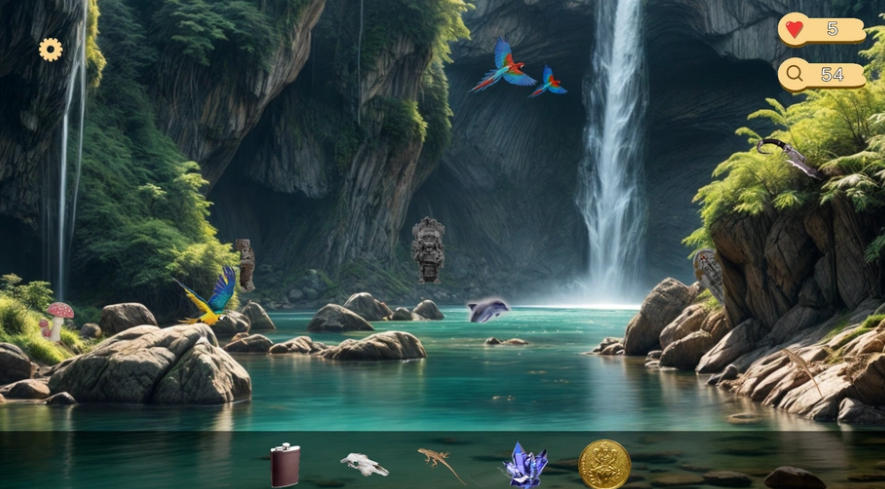
High-Detail Static Scenes
Dense tropical artwork hides coins, crystals, tools, and personal belongings among the scenery. Look for objects whose edges, lighting, or shadows do not quite match the background.
Hearts and Consumable Hints
The hearts counter limits your play energy, so manage each session carefully. Magnifying glass hints are also limited and work best when saved for the final one or two objects.
Desktop and Mobile Controls
Drag with a mouse or finger to move across a scene, scroll or pinch to zoom, and click or tap hidden items to collect them. The browser game requires no download.
Jungle Adventure Atmosphere
The aircraft wreck, dense greenery, improvised workshop, and waterfall give each search a clear island identity. The observation-focused play rewards careful pattern recognition rather than fast movement or action controls.
Hidden Objects: Lost Island Object Placement Gameplay Video
Watch Hidden Objects: Lost Island gameplay for a closer look at the tropical island and unlock an escape route. Each scene places its current targets along the bottom while the heart and magnifier counters remain at the upper right. Scan the full...
How to Play Hidden Objects: Lost Island
Review the Taskbar
Check the hidden objects listed at the bottom of the screen. Find every item in the current scene to unlock the next island location.
Move and Scan the Scene
Drag left or right and inspect the scene systematically. Check corners, shadows, clutter, and objects whose lighting looks different from their surroundings.
Zoom Before Using a Hint
Scroll or pinch to enlarge difficult areas before spending a hint. Coins, crystals, and other small objects often become easier to recognize up close.
Tap, Manage Hearts, and Progress
Click or tap each correct object to collect it. Watch your hearts, save the magnifying glass for stubborn final items, and clear the list to continue Lara's escape.
Hidden Objects: Lost Island is a good fit for casual players who enjoy detailed static scenes, short object lists, and visible progress from one location to the next. Straightforward mouse or touch selection keeps it accessible, while the crowded workshop and small waterfall targets give attentive players a stronger challenge.
Return to Hidden Object Games Online to explore more mysteries and search-and-find adventures.
Play Hidden Objects: Lost Island online, help Lara search every tropical location, uncover the island's treasures, and find a way to escape.