
Hidden Objects: Lost City - Reveal Secrets Lost in the Fog
Editorial age guidance: 9+Ghostly figures and abandoned locations create mild supernatural suspense.
Hidden Objects: Lost City is an atmospheric search-and-find game whose abandoned locations suggest a city caught between memory and the supernatural. Search a rotting waterfront, a candlelit banquet hall occupied by transparent figures, and a blue-lit attic packed with crates and cabinets. Each scene asks you to find the silhouettes shown along the bottom before moving deeper into the city.
Search the Wharf, Haunted Hall, and Attic
Begin by comparing the blue target silhouettes at the bottom with the full scene. Click or tap a matching object to remove it from the taskbar, and use the magnifier or hint control only after a careful scan. The difficult items are rarely isolated: boots overlap on the wharf, tableware blends into the ghostly feast, and pale tools disappear against the attic's cold blue light.
Three Distinct Haunted Searches
The decaying pier tests shape recognition among ropes and driftwood, the banquet hall hides ordinary items beside glowing guests and tableware, and the attic mixes targets with broken furniture and open storage. Each location demands a different scanning strategy.
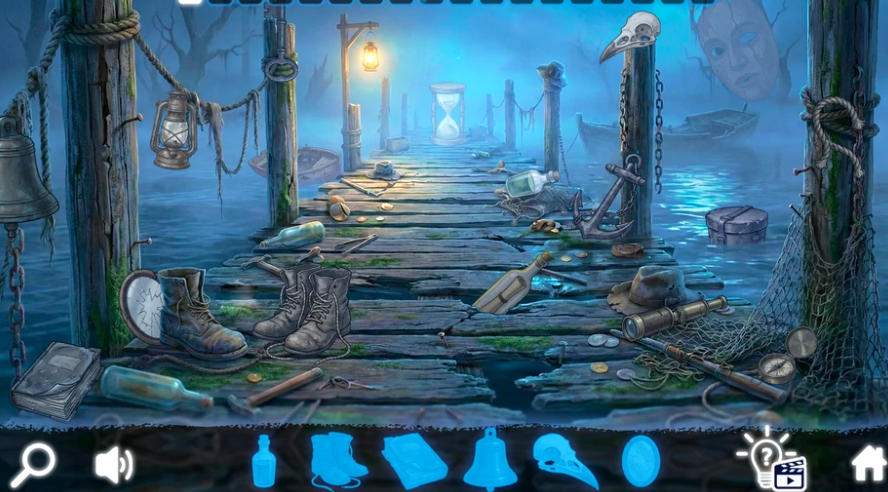
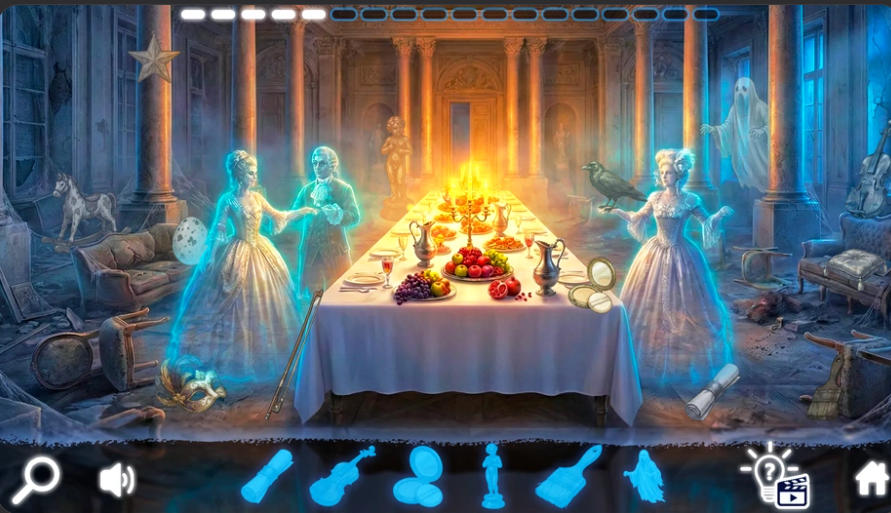
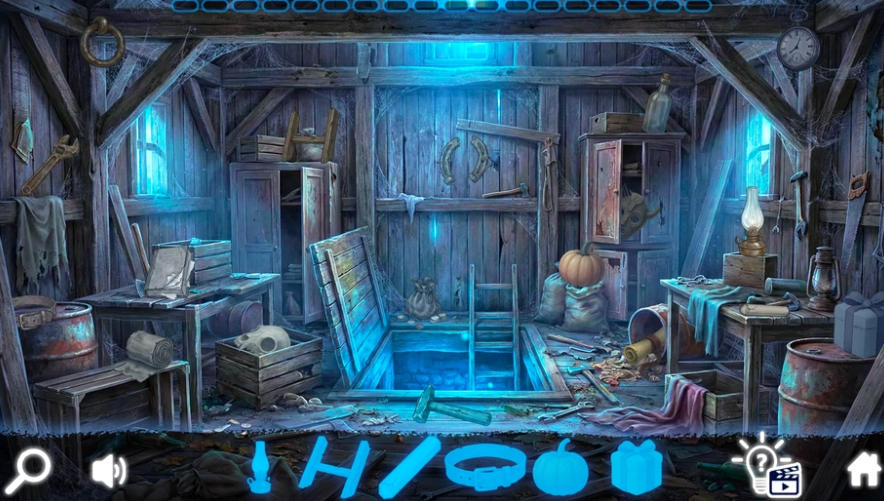
Beautifully Rendered Mystery Scenes
Nostalgic details, muted scenery, and haunting shadows create a world filled with curiosity. The visuals turn every hidden object search into part of the city's lost story.
Zoom for Hidden Details
Use the in-game zoom to inspect crowded or distant parts of a scene. Enlarging the view makes small objects and cleverly blended shapes easier to distinguish.
Straightforward Search Controls
Navigate with a mouse on desktop or use touch controls on mobile. Click or tap an object to collect it, then continue until every item on the list is found.
Story Told Through the Scenery
The game relies on environmental details rather than long exposition. A deserted dock, an interrupted feast, ghostly residents, and abandoned rooms let players infer what kind of place the city once was while completing the object lists.
Hidden Objects: Lost City Matching and Sorting Gameplay Video
Watch Hidden Objects: Lost City gameplay for a closer look at the wharf, haunted hall, and attic. Begin by comparing the blue target silhouettes at the bottom with the full scene. Click or tap a matching object to remove it from the...
How to Play Hidden Objects: Lost City
Read the Bottom Taskbar
Enter the current location and identify the blue object silhouettes displayed along the bottom before searching the wharf, hall, or attic.
Scan Systematically
Search from one side of the scene to the other and pay attention to shadows, unusual outlines, and objects that seem out of place.
Click or Tap Hidden Items
Use your mouse or finger to select each listed object you find. Correct selections are collected so you can focus on what remains.
Zoom and Search Again
Magnify difficult areas when a small object blends into the background. If you remain stuck, revisit the scene with fresh eyes and scan it again.
Hidden Objects: Lost City is aimed at players who want a darker atmosphere without action or complex controls. It keeps the familiar click-or-tap object hunt, then raises the visual difficulty with monochrome fog, supernatural lighting, overlapping props, and scene-specific distractions.
Return to Hidden Object Games Online to explore more mysteries and search-and-find adventures.
Play Hidden Objects: Lost City online, search every fog-covered location, and uncover the forgotten objects and stories hidden in the mist.